
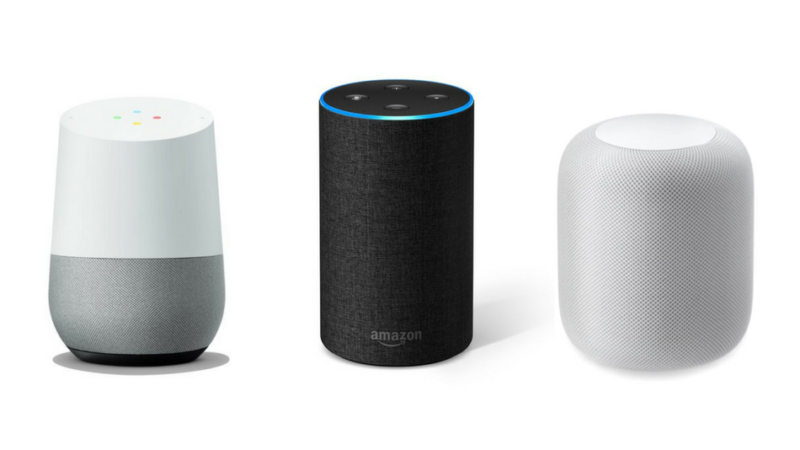
WVExplorer now offers news briefings through Alexa devices, allowing the leading publisher of West Virginia news and travel information to reach beyond the thousands of daily visitors it already reaches.

According to publisher David Sibray, the owners of devices such as Amazon Echo, Echo Auto, Amazon FireTV Stick, Amazon FireTV, and Amazon Fire TV Cube are now receiving West Virginia news briefings.
Sibray said the new technology has already drawn more traffic to the website.
“How do we reach so many thousands of readers? By employing every means possible,” he said.
Users of Amazon devices may already know how to access skills and games, in which the West Virginia Explorer Briefings skill is found.
West Virginia News Briefings Instructions
Users of Android devices can install Amazon Alexa from Google Play. iPhone users may visit the iTunes store.
1. Configure the Amazon Alexa app for your Amazon account.
2. Click the four-line hamburger menu and select “Skills & Games.”
3. Search for “wvexplorer” and click on the “West Virginia Explorer Briefings” result.
4. Enable / Install the Skill.
5. Once the skill is enabled, touch the second icon on the bottom of the screen that displays a broken circle.
6. Alexa will be listening. Ask, “What is my briefing?”